Curriculum-aligned, not curriculum-adjacent
Every episode maps to ACARA and the eSafety Commissioner.
Interactive cyber-safety episodes for Australian primary kids — every one mapped to a specific Australian Curriculum v9.0 Digital Technologies outcome and one of the six eSafety Commissioner Best Practice Framework pillars. See exactly what your child will learn at every grade, before you sign up.
First episode free · no card · data hosted in Sydney
9+
Episodes mapped to ACARA + eSafety
3
Primary school grades — 1–3, 4–5, 6
6
eSafety BPF pillars covered
5 min
Average episode length
The primary stages
Three stages. Same cast.
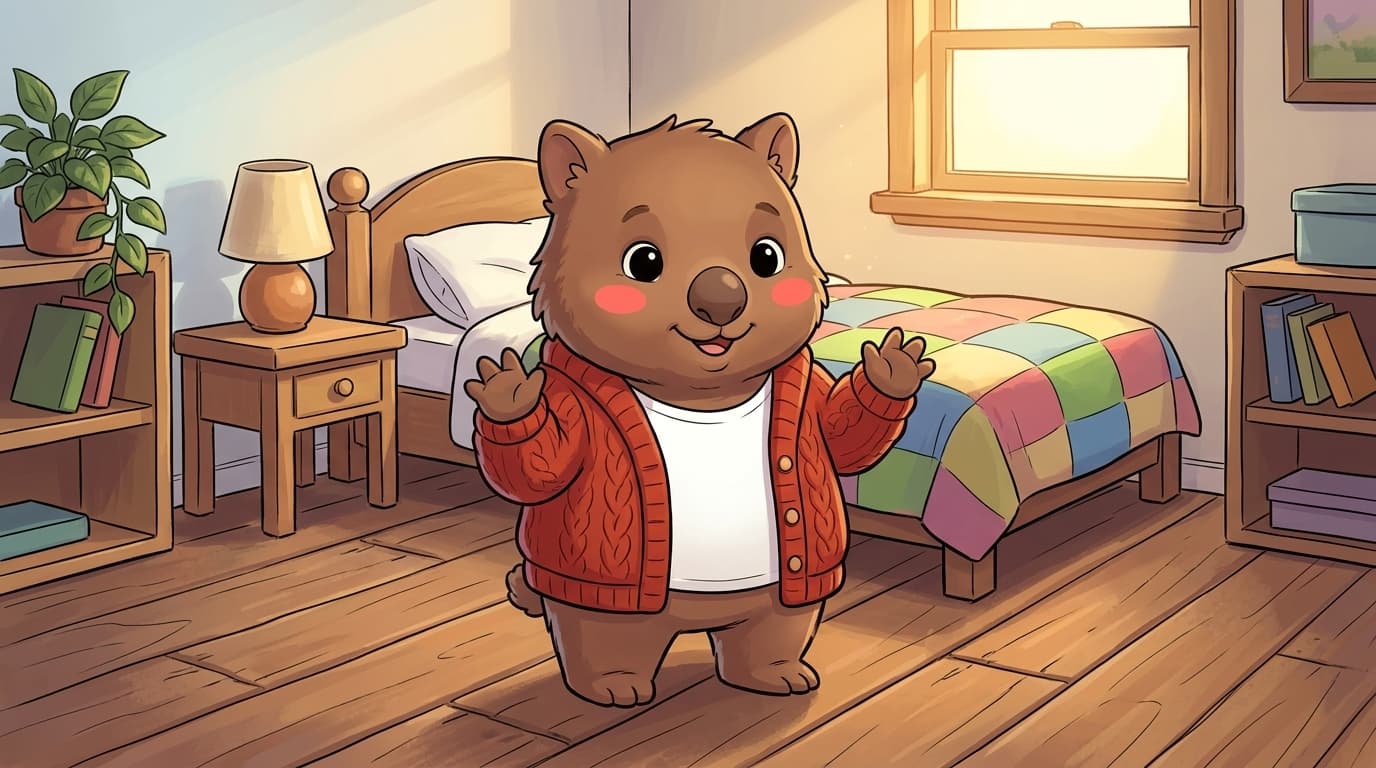
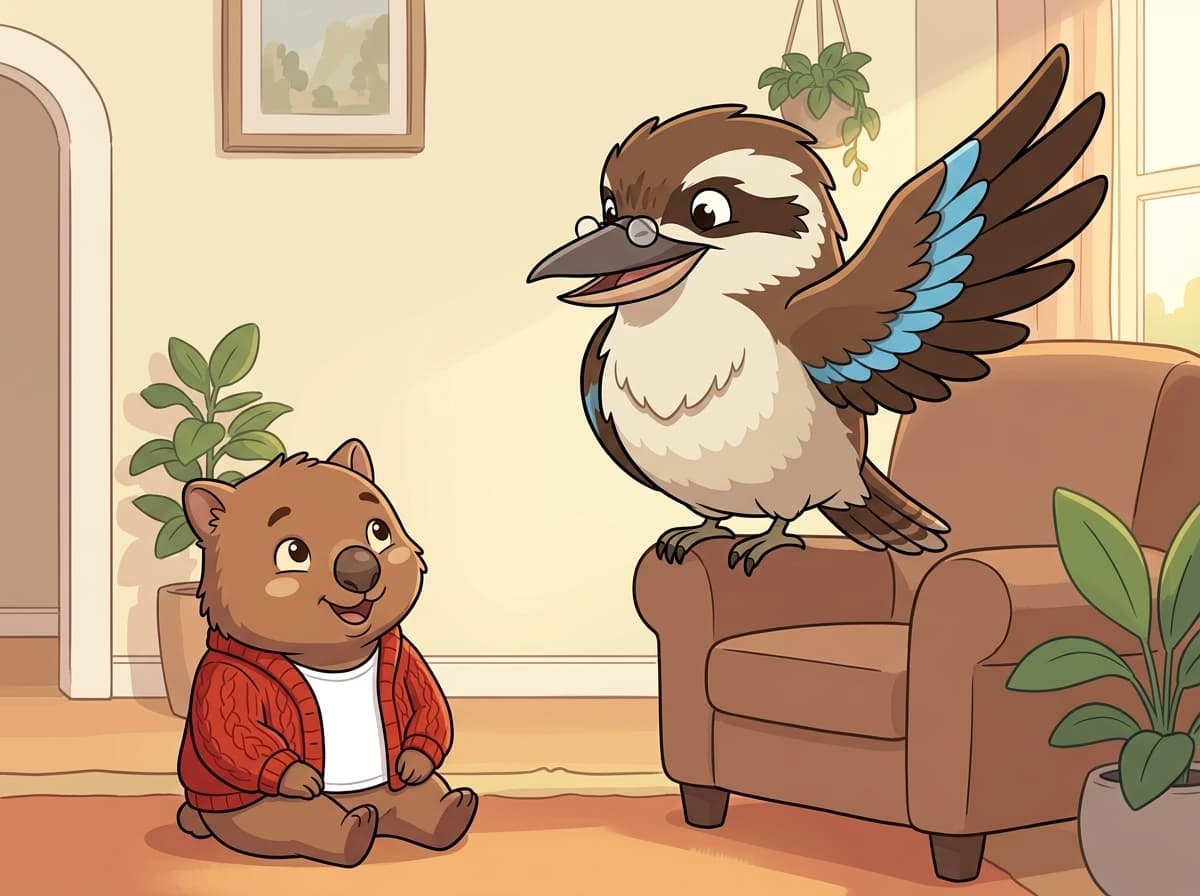
Tilly, Gabs and the cast grow up across all three. The threats scale with the kids — passcodes in Grade 1, group-chat drift in Grade 4, AI voice scams by Grade 6.
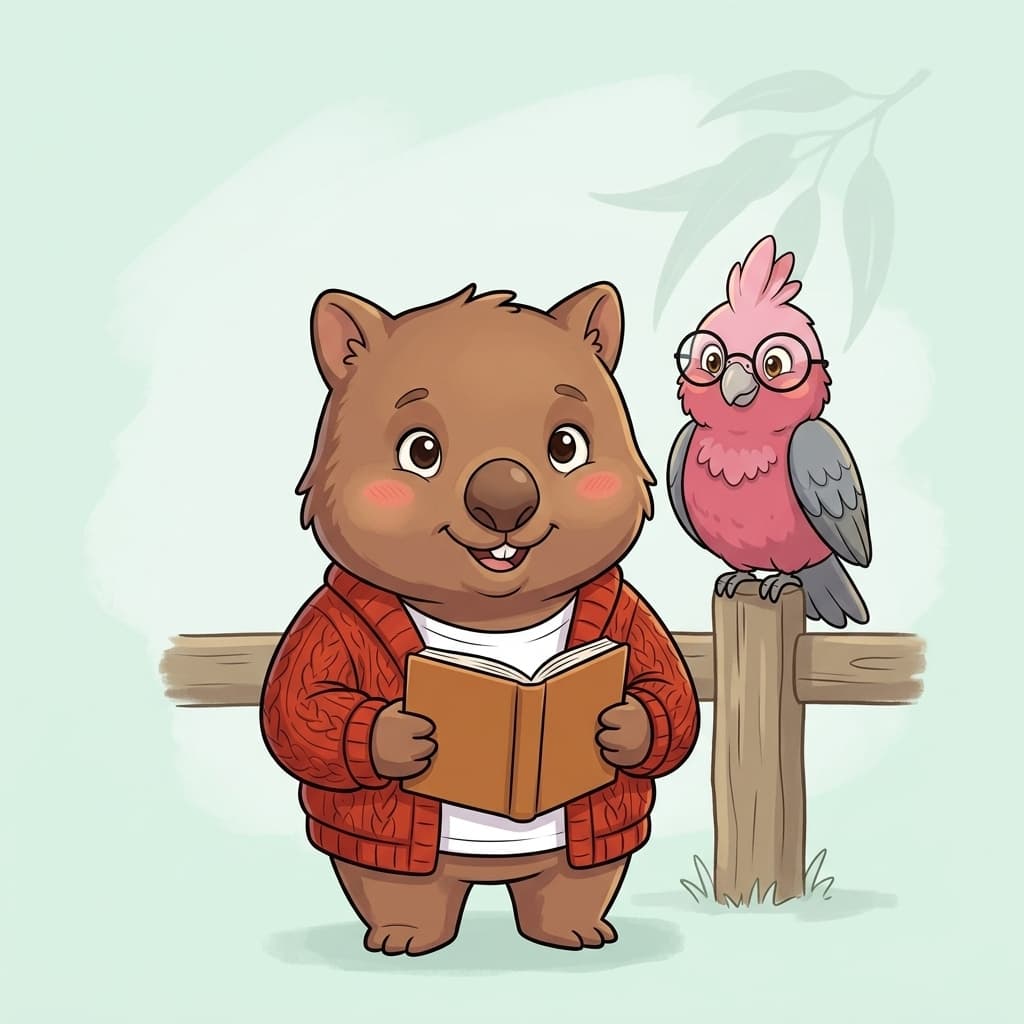
Foundation–Year 3, for kids just learning to read. Three episodes that teach reflexes, not concepts: keep your passcode secret, trust the yuck feeling, close scary pop-ups and tell a grown-up.
Tilly's Secret Key
Your passcode is for Mum, Dad and you. No one else.
Real or Pretend?
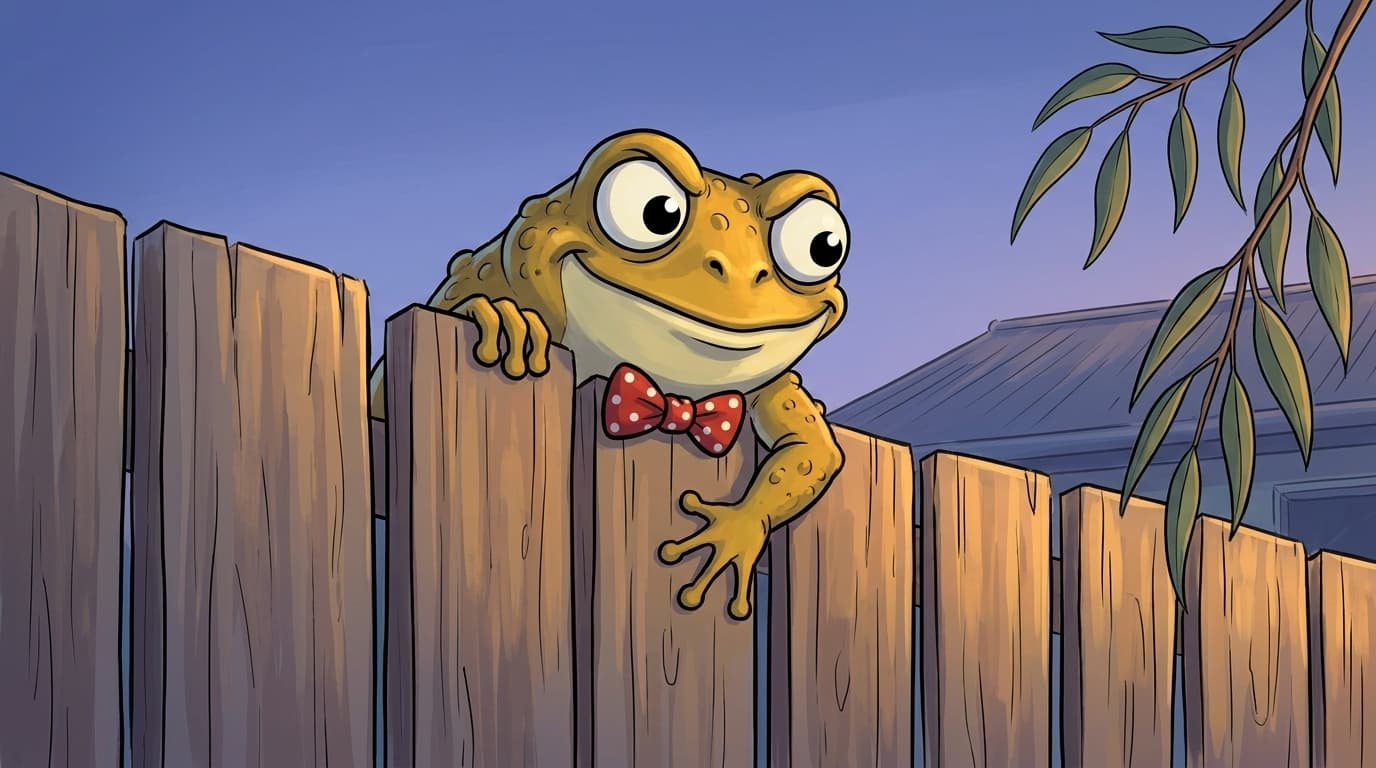
Online stuff isn't always real — videos staged, voices faked, "kids" who aren't kids. Spot the pretend.
Tilly Walks Away
Flip. Pat. Walk away. You're the boss of the device — not the other way around.
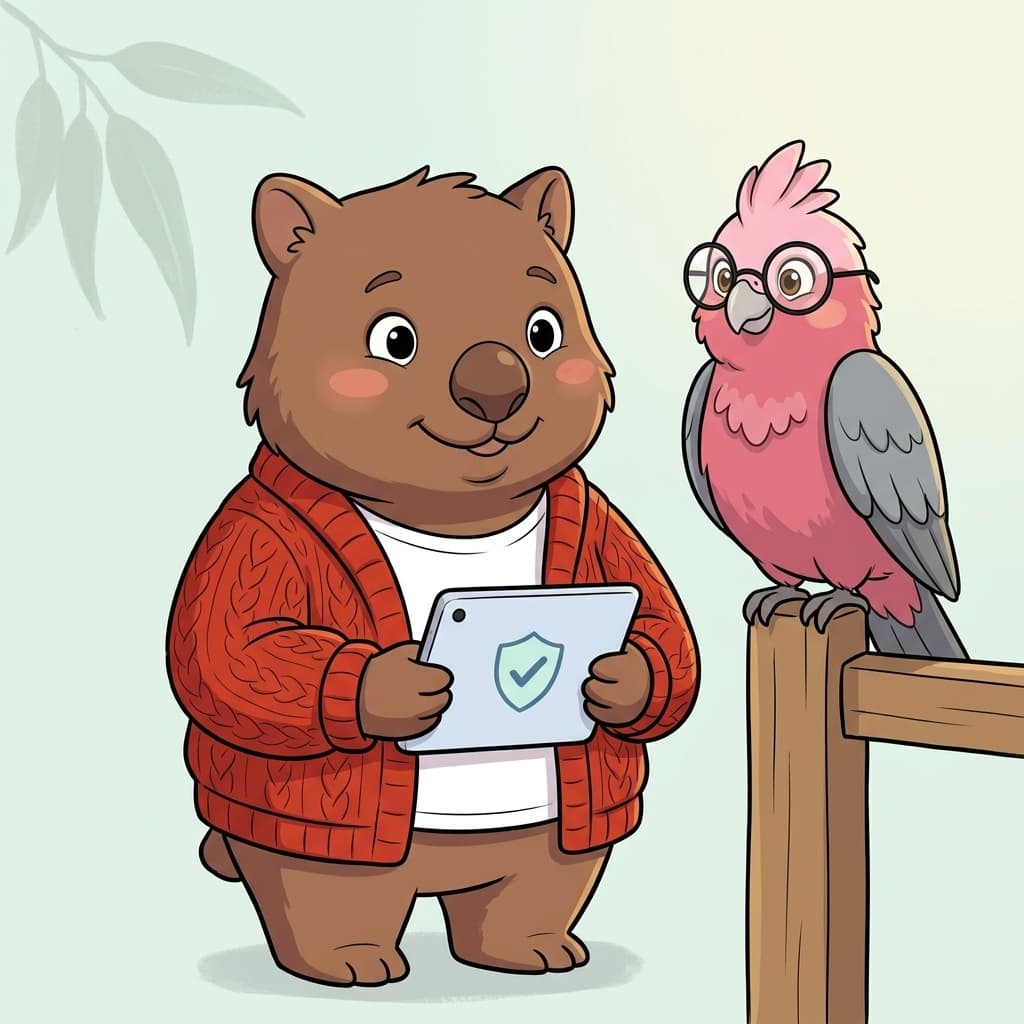
Grade 4–5 — first phone, first Roblox account, first chat. Three episodes on the threats kids actually face when adults aren't standing over them: screenshot leaks, Robux scams, and strangers in games who ask for your real name.
Group-Chat Drift
Anything you send can be screenshotted in 60 seconds and sent to anyone.
Robux, Logins & The Schoolyard
Don't share logins. “Free Robux if you log in here” is always a scam.
Is This Friend Really A Friend?
If they ask your real name, age, or school — that's the question that ends the chat.
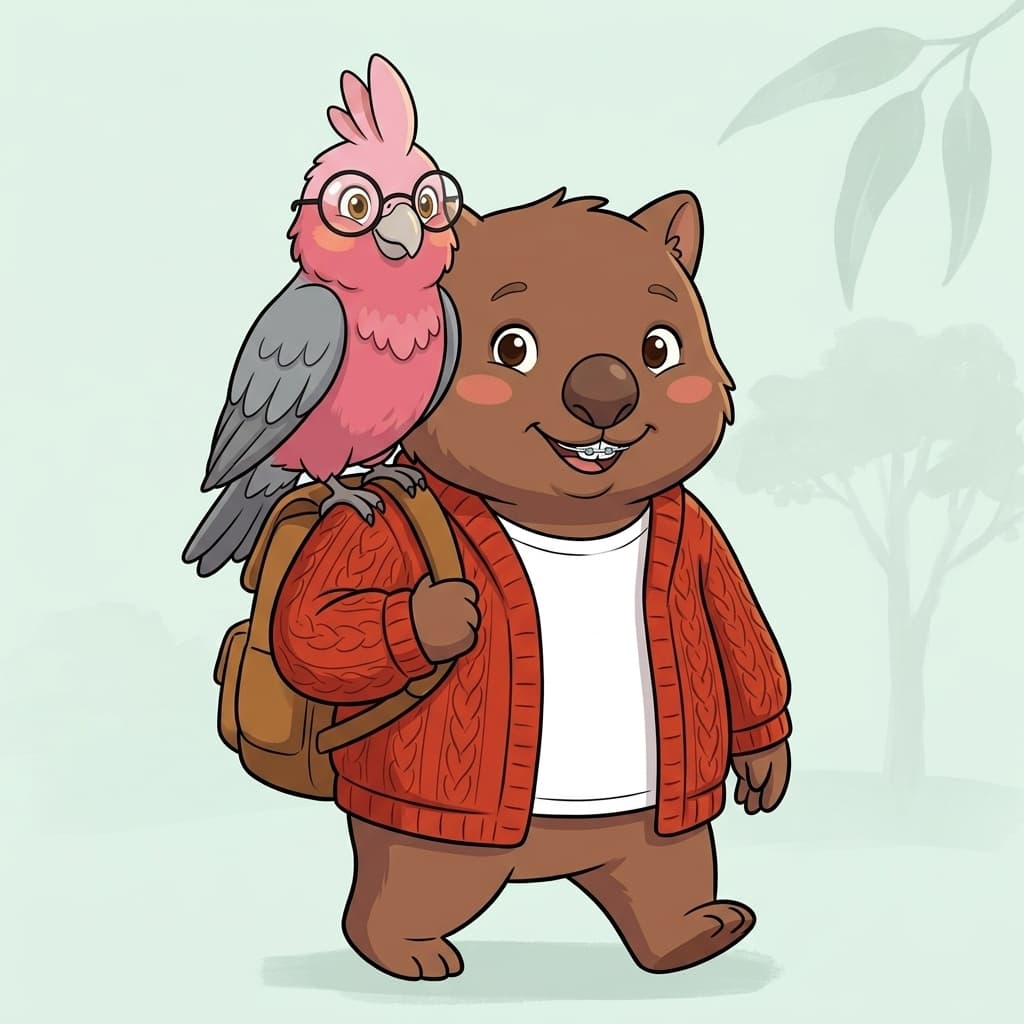
Grade 6, the high-school transition. Three episodes on the modern threat menu: image-sharing pressure, password reuse, and the scams aimed at them right now — gift cards, AI-voice impersonation, fake-celebrity DMs.
Photos Don't Disappear
A photo you send doesn't disappear, even on Snap. If it's already out, tell a trusted adult — it's not your fault.
One Password, Many Doors
Same password everywhere = one breach unlocks everything.
The Scams Aimed At You Now
Recognise the script: gift-card asks, AI-voice impersonation, fake-celebrity DMs.
01The episode catalogue
What your kid will actually learn.
Every episode names a real, current threat at the right age — and a plain-English learning outcome a parent or teacher can verify. ACARA codes link to the official Australian Curriculum v9.0 page.
| # | Episode + threat | By the end, your kid can… | Year band | ACARA | eSafety pillar |
|---|---|---|---|---|---|
| 01 | Tilly's Secret Key Your passcode is for Mum, Dad and you. No one else. | Knows their device passcode is private — only Mum, Dad, and themselves. Will refuse to share it with friends, classmates, or anyone who asks. | Grade 1–3 | AC9TDI2P01 | Responsibility |
| 02 | Real or Pretend? Online stuff isn't always real — videos staged, voices faked, "kids" who aren't kids. Spot the pretend. | Knows online content can be staged, edited, or faked — including videos, voices, and people pretending to be kids. Pauses before believing what they see, and tells a trusted adult when something feels off. | Grade 1–3 | AC9HP2P02 | Critical thinking + Empathy |
| 03 | Tilly Walks Away Flip. Pat. Walk away. You're the boss of the device — not the other way around. | Recognises the body-cues that screen-time has gone too long (grumpy / sleepy / stuck). Uses the put-it-down-and-pat reflex to break free of autoplay before the algorithm decides for them. | Grade 1–3 | AC9HP2P03 | Resilience |
| 04 | Group-Chat Drift Anything you send can be screenshotted in 60 seconds and sent to anyone. | Understands that anything sent to a group chat can be screenshotted and re-shared instantly. Pauses before sending — applies the "would I be OK with my Mum reading this?" test. | Grade 4–5 | AC9TDI4P05 | Empathy + Responsibility |
| 05 | Robux, Logins & The Schoolyard Don't share logins. “Free Robux if you log in here” is always a scam. | Identifies kid-targeted financial scams (Robux/V-Bucks generators, fake giveaway sites). Refuses to enter game logins on any third-party site — every time, no exceptions. | Grade 4–5 | AC9TDI4P02 | Responsibility |
| 06 | Is This Friend Really A Friend? If they ask your real name, age, or school — that's the question that ends the chat. | Recognises grooming-pattern questions (real name, age, school, where you live, when parents are out). Ends the chat, blocks the user, and tells an adult. | Grade 4–5 | AC9TDI4K03 | Critical thinking |
| 07 | Photos Don't Disappear A photo you send doesn't disappear, even on Snap. If it's already out, tell a trusted adult — it's not your fault. | Knows that screenshots defeat "disappearing" messages on every platform (Snap, Insta, BeReal). If an image is already shared, tells a trusted adult — without shame — so it can be reported to eSafety. | Grade 6 | AC9TDI6P05 | Resilience + Responsibility |
| 08 | One Password, Many Doors Same password everywhere = one breach unlocks everything. | Understands password reuse = one breach unlocks every account. Uses a password manager (or unique 3-word phrases) and turns on 2FA on the accounts that matter. | Grade 6 | AC9TDI6P02 | Responsibility |
| 09 | The Scams Aimed At You Now Recognise the script: gift-card asks, AI-voice impersonation, fake-celebrity DMs. | Identifies the three scams currently aimed at Australian tweens: gift-card requests, AI voice clones impersonating family, and fake-creator giveaway DMs. Refuses to act, screenshots, and tells. | Grade 6 | AC9TDI6K01 | Critical thinking + Empathy |
- Grade 1–3
Episode 01
Tilly's Secret Key
By the end your kid can…
Knows their device passcode is private — only Mum, Dad, and themselves. Will refuse to share it with friends, classmates, or anyone who asks.
AC9TDI2P01Responsibility - Grade 1–3
Episode 02
Real or Pretend?
By the end your kid can…
Knows online content can be staged, edited, or faked — including videos, voices, and people pretending to be kids. Pauses before believing what they see, and tells a trusted adult when something feels off.
AC9HP2P02Critical thinking + Empathy - Grade 1–3
Episode 03
Tilly Walks Away
By the end your kid can…
Recognises the body-cues that screen-time has gone too long (grumpy / sleepy / stuck). Uses the put-it-down-and-pat reflex to break free of autoplay before the algorithm decides for them.
AC9HP2P03Resilience - Grade 4–5
Episode 04
Group-Chat Drift
By the end your kid can…
Understands that anything sent to a group chat can be screenshotted and re-shared instantly. Pauses before sending — applies the "would I be OK with my Mum reading this?" test.
AC9TDI4P05Empathy + Responsibility - Grade 4–5
Episode 05
Robux, Logins & The Schoolyard
By the end your kid can…
Identifies kid-targeted financial scams (Robux/V-Bucks generators, fake giveaway sites). Refuses to enter game logins on any third-party site — every time, no exceptions.
AC9TDI4P02Responsibility - Grade 4–5
Episode 06
Is This Friend Really A Friend?
By the end your kid can…
Recognises grooming-pattern questions (real name, age, school, where you live, when parents are out). Ends the chat, blocks the user, and tells an adult.
AC9TDI4K03Critical thinking - Grade 6
Episode 07
Photos Don't Disappear
By the end your kid can…
Knows that screenshots defeat "disappearing" messages on every platform (Snap, Insta, BeReal). If an image is already shared, tells a trusted adult — without shame — so it can be reported to eSafety.
AC9TDI6P05Resilience + Responsibility - Grade 6
Episode 08
One Password, Many Doors
By the end your kid can…
Understands password reuse = one breach unlocks every account. Uses a password manager (or unique 3-word phrases) and turns on 2FA on the accounts that matter.
AC9TDI6P02Responsibility - Grade 6
Episode 09
The Scams Aimed At You Now
By the end your kid can…
Identifies the three scams currently aimed at Australian tweens: gift-card requests, AI voice clones impersonating family, and fake-creator giveaway DMs. Refuses to act, screenshots, and tells.
AC9TDI6K01Critical thinking + Empathy
More episodes added every term, mapped the same way to ACARA + the eSafety Commissioner Best Practice Framework. Want a say in what comes next? Get in touch.
eSafety Commissioner — Best Practice Framework
All six pillars— covered.
The eSafety Commissioner’s Best Practice Framework defines six pillars of online safety education for Australian schools. Every Kookabytes episode is tagged with its primary pillar — and we cover all six.
Read the eSafety BPF on esafety.gov.au →
Respect
Treating others online the way you'd treat them face-to-face.
How Kookabytes teaches it
Threaded through every episode's group-chat + multiplayer scenes. Kids practise the body-language check (would I say this to their face?) before they tap send.
Empathy
Reading the room — and the screen — for how someone's feeling.
How Kookabytes teaches it
Episodes 2, 4, 9 lean on emotional-recognition gameplay — kids interpret tone in messages, body-language in characters, and the cost of a careless share.
Responsibility
Owning your accounts, your password, your name.
How Kookabytes teaches it
Episodes 1, 4, 5, 7, 8 teach account ownership through interactive choices. Same password, same login — kids feel the cause-and-effect when they get it wrong (in-game, safely).
Resilience
Bouncing back when something online goes wrong.
How Kookabytes teaches it
Episodes 3 and 7 model the recovery flow: close it, tell, fix it together. Three lives in every game means kids LEARN the safe move from getting it wrong, not just from being told.
Critical thinking
Pausing, noticing, asking "is this real?"
How Kookabytes teaches it
Episodes 2, 6, 9 are pattern-recognition gameplay — fake popups, grooming-pattern questions, AI-voice scams. Kids see the trap shape until they recognise it on sight.
Literacy
Knowing how digital messages, ads and games actually work.
How Kookabytes teaches it
Threaded through every episode. Kids learn the mechanics behind the scam — how a screenshot works, how a popup gets served, why the URL bar matters.
02How we compare
Already looked at Be Internet Awesome or Life Ed?
Here’s the honest comparison — same row, every Australian primary cyber-safety program we get asked about.
| Program | Format | Delivery | ACARA | eSafety | Notes |
|---|---|---|---|---|---|
| UsKookabytes | Interactive comic-style stories with in-app games | Self-paced app (web + iOS + Android) | Yes | Yes | Built by a 20-year cyber-pro. Per-class teacher dashboards. AU-hosted. |
| eSafety Commissioner classroom resources | PDF lesson plans + videos | Teacher-led, downloadable | Yes | Yes | Free, government. Authoritative, but not interactive — needs a teacher to deliver. |
| Be Internet Awesome (Google) | Web-based curriculum + activities | Teacher-led, browser | Partial | Partial | US-built, light AU-localisation. Doesn't map to ACARA codes directly. |
| Life Ed Australia (bCyberwise) | Live in-school sessions | School visits, ~$10–15/student | Yes | Yes | One-off in-person session. Not a sustained reflex — and only happens when the bus comes. |
| Cyber Safety Project | F–8 classroom curriculum + PD | Teacher-led, subscription | Yes | Yes | Comprehensive teacher-led program. Higher per-student cost; less self-directed. |
- Us
Kookabytes
Interactive comic-style stories with in-app games
Delivery: Self-paced app (web + iOS + Android)
ACARA YeseSafety YesBuilt by a 20-year cyber-pro. Per-class teacher dashboards. AU-hosted.
eSafety Commissioner classroom resources
PDF lesson plans + videos
Delivery: Teacher-led, downloadable
ACARA YeseSafety YesFree, government. Authoritative, but not interactive — needs a teacher to deliver.
Be Internet Awesome (Google)
Web-based curriculum + activities
Delivery: Teacher-led, browser
ACARA PartialeSafety PartialUS-built, light AU-localisation. Doesn't map to ACARA codes directly.
Life Ed Australia (bCyberwise)
Live in-school sessions
Delivery: School visits, ~$10–15/student
ACARA YeseSafety YesOne-off in-person session. Not a sustained reflex — and only happens when the bus comes.
Cyber Safety Project
F–8 classroom curriculum + PD
Delivery: Teacher-led, subscription
ACARA YeseSafety YesComprehensive teacher-led program. Higher per-student cost; less self-directed.
Comparison reflects publicly-listed program info as of 2026-05-04. The other programs above are good — they each fill a different slot. Many AU schools run two of these alongside each other; Kookabytes is the one your kid plays through directly.
For teachers
Every episode comes with a teacher pack.
One printable A4 page per episode — everything a casual relief teacher or a busy classroom teacher needs to drop the lesson in tomorrow.
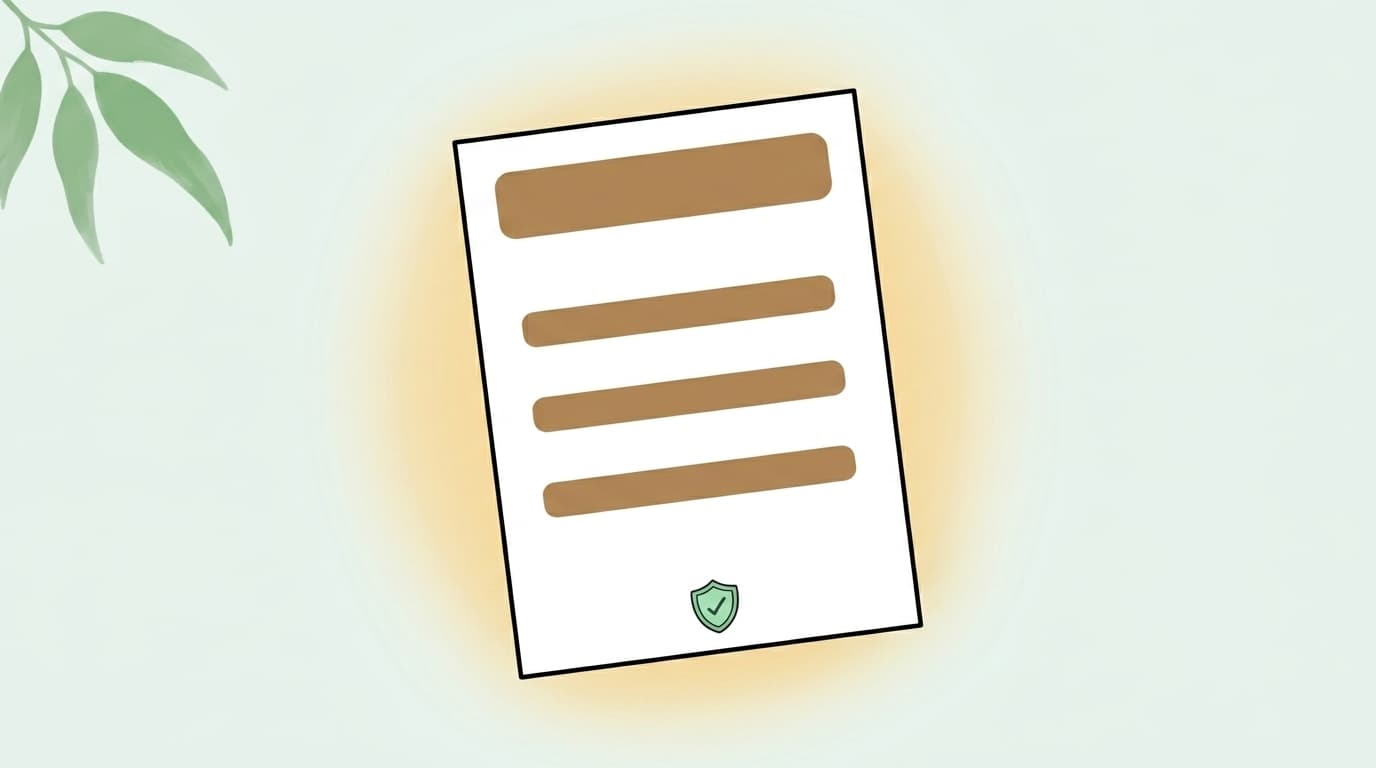
- ACARA outcome + eSafety pillar mapped explicitly
- 3-question classroom discussion prompt
- "How to talk to a child who brings this up at home" carer tip — printable as a take-home letter
- Red-flag escalation guidance if a child discloses real-life experience
- CSV export of class progress + scores (paid school plan)
- Casual relief teacher access — no separate login required
Common questions
Curriculum questions parents + teachers ask.
Is the Kookabytes cyber-safety curriculum aligned with ACARA?
Yes. Every episode maps to a specific Australian Curriculum v9.0 Digital Technologies outcome (codes like AC9TDI2P01, AC9TDI4P02, AC9TDI6P05). The full mapping is published per-episode on this page and updated as the catalogue grows each term.
Does Kookabytes follow the eSafety Commissioner Best Practice Framework?
Yes. The Kookabytes catalogue covers all six pillars of the eSafety Commissioner Best Practice Framework — Respect, Empathy, Responsibility, Resilience, Critical thinking, and Literacy. Each episode is tagged with its primary pillar, and we add new episodes every term while preserving full pillar coverage.
What does my kid actually learn in each episode?
Every episode has a plain-English learning outcome — "by the end of this episode, your kid can…" — published on the curriculum page. Examples: identify fake virus pop-ups; recognise grooming-pattern questions; refuse logins to third-party Robux sites.
How is Kookabytes different from Be Internet Awesome, Life Ed, or Cyber Safety Project?
Be Internet Awesome is US-built and only partially mapped to ACARA. Life Ed runs one-off in-school sessions when their bus arrives. Cyber Safety Project is a teacher-led PD program. Kookabytes is the only Australian self-paced app the kid plays through directly — at home or at school — with per-class teacher dashboards and full ACARA + eSafety mapping.
What grades is Kookabytes for?
Australian primary school across all three stages: Junior Primary (Grade 1–3), Middle Primary (Grade 4–5), and Upper Primary (Grade 6). 3 episodes per stage at launch, more added every term.
Can teachers use Kookabytes in the classroom?
Yes. Each episode ships with a 1-page printable teacher sheet (ACARA outcome + eSafety pillar mapped, classroom discussion prompt, parent-carer take-home tip, escalation guidance). Per-class dashboards, casual-relief teacher access, and DPIA on request. Per-active-student pricing announced at launch.
For parents
See exactly what your kid will learn.
Coming soon to iOS + Android — join the waitlist to be first in when the app ships.
For Australian primary schools
Per-class dashboards. ACARA-mapped. Pricing coming soon.
DPIA on request, casual-relief teacher access, full procurement detail on /schools.
Last reviewed 4 May 2026· Mapped to Australian Curriculum v9.0 + eSafety BPF