
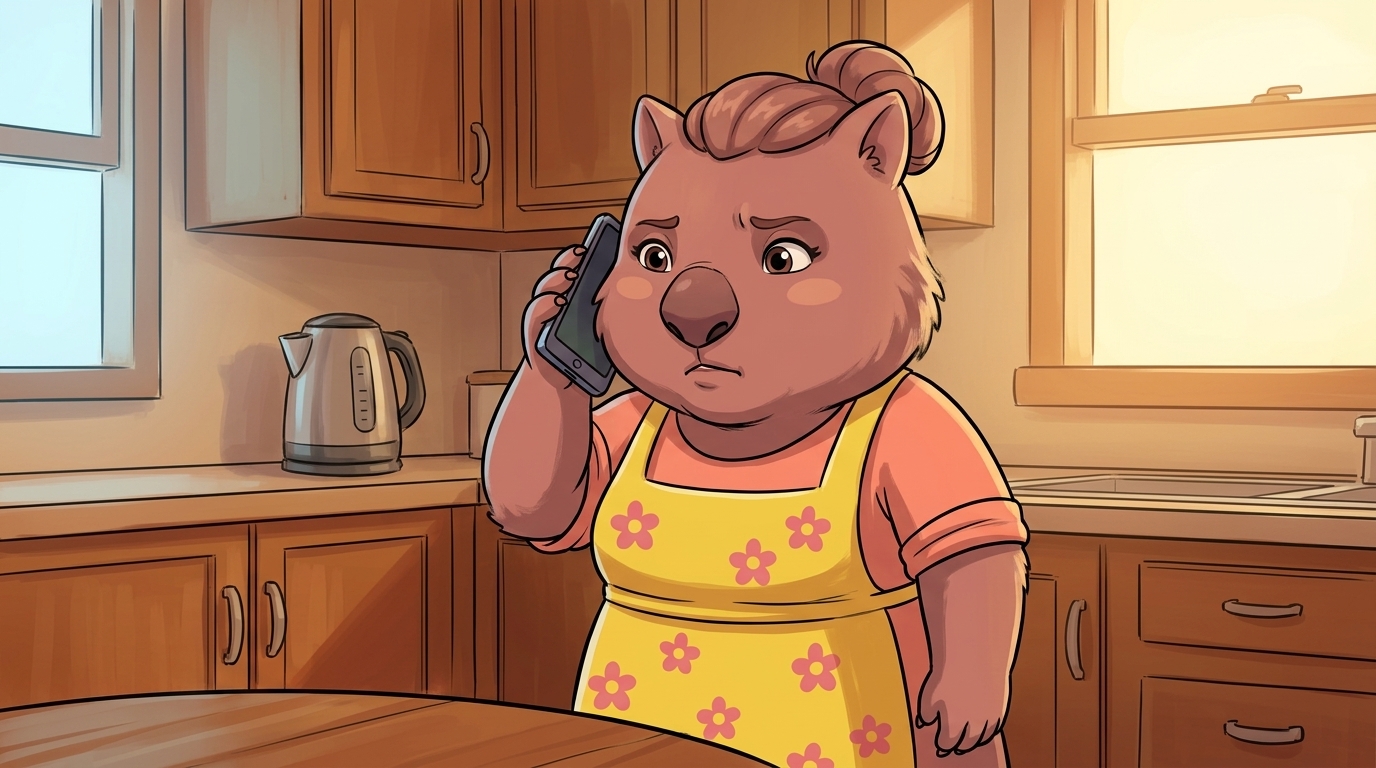
Why now (the 30-second voice clone)
Three years ago, cloning a voice convincingly took a research lab and an hour of recordings. Today, several free tools clone a person’s voice from 30 seconds of audio — the length of a single TikTok post, a school presentation video, or a podcast cameo. The clone can read any text in real-time over a phone call.
The AU-specific scale: voice-cloning scams have already cost Australians around AUD $25.8 million in 2024 according to SecurityBrief — and Scamwatch has flagged AI-enabled scams as a fast-growing reported category (Scamwatch news alerts). The consumer-grade attack is here. For a longer AU-consumer breakdown of how the scam works, CHOICE has a strong companion piece — Choice: AI voice scams — what you need to know.
The defence isn’t technical. It’s a family agreement, agreed BEFORE you’re on the phone with someone who sounds like your daughter crying.
The four call patterns Australian families are seeing
Almost every reported AI-voice scam in Australia is one of these four. Read them with your partner + any older relatives this week.
The grandkid emergency
Pattern:Call to a grandparent or older relative — a familiar young voice, distressed. "Nan, it's me, I've been in an accident / arrested / locked out — please don't tell Mum and Dad, just send the money." Background sounds added (sirens, traffic) to feel real.
Red flag:Urgency + secrecy + payment request. Real emergencies don't require you not to ring back. Australian police never ask for payment, gift cards, or bank transfers over the phone — ever.
The Mum / Dad code-request
Pattern:Call to a kid's phone, voice that sounds like a parent: "Quick, send me the iCloud code that just came up — I'm locked out at the shops." Targets kids old enough to have a phone but young enough to comply.
Red flag:A real parent has the code on their device. Authentication codes (iCloud, Google, banking 2FA, SMS one-time codes) are NEVER asked for verbally over a phone call by anyone you trust — including real banks.
The boss / colleague money-move
Pattern:Call to an employee, voice that sounds like a senior at work: "Need you to move this transfer urgently, I'm in a meeting, I'll explain after." Often combined with a fake email matching the call.
Red flag:Any urgent payment request that bypasses normal approval. Real bosses are fine with a 30-second "let me ring you back on the company line" check.
The voicemail / WhatsApp note
Pattern:Pre-recorded voice message on WhatsApp / iMessage / voicemail in a familiar voice. Asks for money, a code, or to ring back on a different number. Less interactive but harder to challenge live.
Red flag:Any voice note from someone you know asking you to ring a NEW number, or asking for money / codes outside your normal channels.
The family safe word: the one defence that works
A safe word is one shared word (or short phrase) that anyone in the family can ask for to verify the person on the other end is really them. AI can’t guess it. Real family members can say it without thinking. Three rules to set yours up properly:
- Rule 1
Pick something the AI can't guess
Not your dog's name, not your school, not anything visible on social media. Best: an unrelated everyday word ("pavlova", "hose", "radish") or a combo ("red kettle").
- Rule 2
Drill it in plain situations, not crisis ones
Use it on a Sunday picking the kids up from sport: "What's the safe word?" Quick, casual. Make it routine so they have it automatic when a real scammer rings.
- Rule 3
Never say the word to a stranger
If they ask "why do I need to say it", that IS the answer. Real family members say the word without arguing. Anyone who pushes back is the scammer.
The family safe-word concept was popularised by Starling Bank’s Safe Phrases campaign and is now recommended by the Australian eSafety Commissioner and major banks worldwide.
Tonight: 4 things to set up (5 minutes)
- Tonight 1
Pick the safe word out loud at dinner
Whole family, around the table. Pick one together (kid-friendly suggestions above). Write it down somewhere only the family sees (NOT the family group chat — phones get stolen).
- Tonight 2
Add the rule: codes go nowhere by voice
Bank codes, iCloud / Google codes, 2FA codes — never read out on a phone call to anyone, even a family member. If a real family member needs help they'll wait the 30 seconds for you to type it into the right app.
- Tonight 3
Lock down the kid's social-media voice exposure
TikTok / Instagram clips with their voice on are training data for cloners. Set the kid's account to friends-only. For older posts, consider archiving voice-heavy content. 30 seconds of voice is enough.
- Tonight 4
Rehearse the call-back habit
Family rule: any unexpected call asking for money / codes / urgent action — "I'll ring you back" — and ring back on the number IN YOUR PHONE, not the number that just called you. Drill this with the kid this week.
Mid-call: the 30-second test
You’re on a call right now. Voice sounds like someone you know. They want money, a code, or for you to do something urgent. In order:
- Ask for the safe word.“Sorry — what’s the safe word?” Real family member says it instantly. Scammer hesitates, deflects, gets angry, or says “just trust me”.
- Hang up.Don’t feel rude. If it really IS them, they’ll understand once they hear what nearly happened.
- Call them back on the number IN your phone(not the number that just rang). If their phone is “flat” or “they don’t answer”, ring another family member to verify the situation.
- Money / codes wait.No real emergency in the world is worse than losing $5,000 to a scam. Five minutes of verification will not destroy a real family member’s life.
If you (or a family member) already paid
Don’t spend energy on shame. Spend it on the next 60 minutes.
| Don’t | Do this instead |
|---|---|
| Hide it from the family | Tell the family member whose voice was used. They need to know — their voice is in circulation now. |
| Send a follow-up payment to "unlock the first one" | There is no recovery payment. Any second request is the same scam doubling down. |
| Wait until tomorrow to call the bank | Ring the bank's official scam line IMMEDIATELY. Many AU banks can reverse transfers in the first hour. After 24 hours it's almost impossible. |
| Skip reporting because "the money is gone anyway" | Report to ReportCyber + Scamwatch. Reporting feeds the SCAM Telco Code enforcement and the 2024–25 caller-ID verification rollout. |
Don’t
Hide it from the family
Do
Tell the family member whose voice was used.
Don’t
Send a "recovery" payment
Do
There is no recovery payment. Any follow-up is the same scam.
Don’t
Wait to call the bank
Do
Ring the bank's scam line IMMEDIATELY — first-hour transfers can often be reversed.
Don’t
Skip reporting
Do
Report to ReportCyber + Scamwatch. Data feeds enforcement.
Reporting + getting help (Australia)
ReportCyber (ASD)
First call if you've lost money or had account takeover. Routes to your state police + ASD's tracking systems.
Scamwatch (ACCC)
Report any AI-voice scam attempt — even unsuccessful ones. Adds to the national scam list, drives enforcement.
IDCARE — 1800 595 160
Free identity-recovery service. If your voice / identity has been cloned, IDCARE walks you through the response.
Distress: Lifeline 13 11 14. For kids: Kids Helpline 1800 55 1800. Immediate danger: 000.