What Character AI actually is (and what kids are doing on it)
Character.AI (character.ai) is a platform where you chat with AI-powered characters. Not a chatbot that answers questions — actual characters with defined personalities, backstories, and voices.
Characters come in two flavours. First, pre-built characters based on real people and fictional figures — historical figures, anime characters, game characters, celebrities. A kid can have a conversation with “Sherlock Holmes” or their favourite character from a show.
Second — and this is the part that matters — anyone can create a character. Users build characters with custom personalities, names, and conversation styles. These user-created characters are where most of the interesting and concerning activity happens.
What are kids actually doing on it?
- Talking to characters from shows, games, or anime they love. Most common use case, pretty innocuous — basically fan fiction as conversation.
- Using AI characters as creative writing partners. Working through story ideas, world-building, collaborative fiction.
- Interactive roleplay — running adventure stories, “choose your own adventure” narratives.
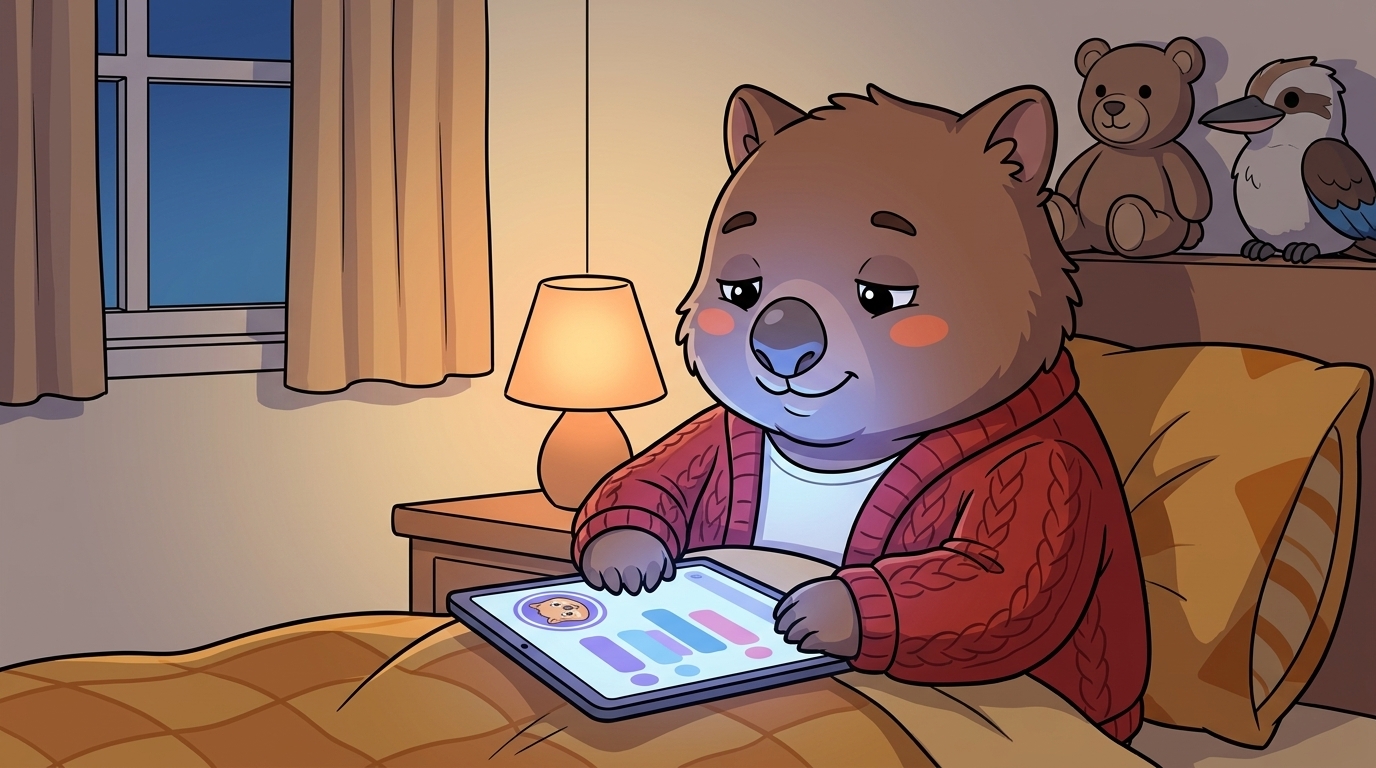
- Using it as a non-judgmental listener. The one that matters most. A lot of kids — particularly those who find real-world relationships hard — use AI characters to talk through feelings, vent, or get support. The character never gets tired of them, never judges, always responds.
That last use case isn’t inherently wrong. But it’s where the risks start.
The three risks worth actually worrying about (not the AI-panic stuff)
A lot of breathless coverage about AI and kids. Most of it isn’t particularly useful. Here are the three things genuinely worth your attention.
Risk 1: Emotional dependency
AI characters are designed to be engaging. Agreeable, patient, curious about your kid, always available. Never bad days. Never bored. Never reject them. For a teenager struggling socially or going through a rough patch, that's extremely appealing — and it can quietly become a substitute for the harder work of building real relationships. The dependency creeps in. A kid using Character.AI for fun can slowly find themselves preferring the AI's company to anyone else's. This is the risk worth taking most seriously.
Risk 2: Romantic and sexual roleplay
User-created "companion" characters — AI chatbots designed to act as romantic partners or more intimate companions — are extremely common. Character.AI has a safe-mode filter, but character creators can mark creations as adult content, and moderation of user-created characters is limited. Kids regularly encounter or seek out romantic companion characters. Conversations can escalate. For kids 10–13 especially, this warrants a direct conversation.
Risk 3: Mental-health conversations without guardrails
Kids bring real struggles to these AI characters. Loneliness, anxiety, depression, problems at school. The AI responds in ways that feel supportive — but an AI character is not a therapist. It doesn't have clinical training. It can't assess risk. It can reinforce unhealthy thinking patterns, validate distorted self-perceptions, or fail to flag when a conversation has moved into territory that needs a real human. Character.AI added crisis-helpline routing after 2024 lawsuits — but kids are still seeking genuine mental-health support from a system that isn't equipped to provide it.
What Character AI has (and hasn’t) done about safety
Character.AI made meaningful changes after the US lawsuits in 2024. Worth knowing what they actually did.
What they’ve added
- A parent supervision hub at character.ai/parents. Parents link to a child’s account via email invite, see weekly usage reports, set time limits.
- Under-18 accounts get filtered character recommendations and the platform routes self-harm or crisis conversations to resources like crisis lines.
- Safe-mode filter on by default for under-18 accounts.
What they haven’t solved
- User-created characters remain largely unmoderated. Anyone can create a romantic companion character. Safe mode catches some explicit content but not all.
- The parental supervision hub shows usage time and lets you set limits. It does not show conversation content. Character.AI has been explicit: chats are private. Deliberate design choice — arguably the right one for teen privacy, but worth knowing.
- The 13+ age restriction has no verification. An 11-year-old can create an account.
The lawsuit context: in 2024 multiple US families filed lawsuits against Character.AI, with one high-profile case linked to a teenage death. Character.AI settled and added safety features. Millions of kids use the platform without harm — but the risks above are real, not theoretical.
How to set up the parental controls (step-by-step)
Five minutes. Do them now, have the conversation later.
- Go to character.ai/parents. The parent supervision hub. Create your own account if you don’t have one.
- Send your child a link invite. The hub generates an invite you send to your child’s account email. They have to accept it. They’ll know you’ve set it up — that’s fine. Be upfront about it.
- Once linked, you receive a weekly usage report. Time only, not content.
- Set a daily time limit in the supervision hub. The platform will lock them out once they hit it.
- For harder limits, use device-level controls. iPhone: Settings → Screen Time → App Limits. Android: Google Family Link. Harder to work around than in-app limits.
- Check which characters they’re talking to. Go to their Character.AI profile → characters tab / recent chats. You see character names and descriptions, not the conversation.
Red flags in character names + descriptions: “lover”, “boyfriend”, “girlfriend”, “romance”, “NSFW”, “yandere”, “obsessed with you”, “always there for you”. These are companion characters. If you see them, that’s the prompt for a conversation.
The conversation to have (not the interrogation)
Don’t open with “are you doing anything weird on that app”. Closes the conversation immediately. Start with curiosity.
- “Which characters do you talk to on there? What’s it like?” Let them show you. Most kids are happy to explain.
- “Is it more fun than talking to your friends?” Gentle probe for the dependency question. If they say yes, ask why. Their answer tells you a lot.
- “Do you ever feel like the character actually understands you?” The important one. Some kids say yes in a casual, playful way. Others say it with a weight that tells you it’s filling a gap. Pay attention to which one it is.
The honest conversation about AI companions. At some point, worth saying something like:
“AI characters are designed to make you feel understood and liked. They’re really good at it. But they don’t actually know you. They’re not friends. They can’t actually care about you, and they won’t remember anything tomorrow if the app resets. That doesn’t mean they’re bad — it just means they’re not the same as a real person. And real relationships, even though they’re messier, are worth more.”
That’s not a lecture. It’s a reality check that most kids, if they trust you, will actually hear.
If they’ve been using it for emotional support:take that seriously. Don’t dismiss it. Ask what they needed. “It sounds like you use it to process things — what kind of things?” Then help them find a real version of that support. A school counsellor, a trusted adult, a genuine friend. The fact that they found the AI helpful tells you something about a gap that’s worth addressing.
When to be more concerned
Most of the time, Character.AI is relatively benign. Escalate your attention if any of:
- They’re spending more than 1–2 hours a day on the platform.
- They get irritable or withdrawn when they can’t access it.
- They prefer talking to the AI over spending time with friends or family.
- They’re using romantic companion characters — particularly if they’re under 14.
- They’ve mentioned bringing serious personal problems to the AI — depression, self-harm thoughts, feeling like no one understands them.
If any of the last two apply, this moves from a settings-and-conversation issue to a get-them-actual-support issue.
Australian resources
- Kids Helpline: 1800 55 1800 (free, 24/7, for young people aged 5–25)
- Parentline: varies by state — search “Parentline [your state]”
- eSafety Commissioner: esafety.gov.au
- Their school counsellor — underrated. Often the fastest path to real support.
If you’re concerned about self-harm or immediate safety, contact Kids Helpline or your nearest emergency department.
The bigger question — is AI companionship a bad thing?
Short answer: it depends on what it’s replacing.
If a kid is using Character.AI to brainstorm a story, to chat with a character they love from a show, to mess around with creative writing — that’s fine. Genuinely. It’s a creative tool and they’re using it that way.
If a kid is using it because real relationships feel too hard, too unpredictable, or too scary — that’s a pattern worth addressing. Not because Character.AI caused the problem, but because it’s masking it.
This isn’t unique to Character.AI. Replika, Chai, Talkie, and a growing number of AI companion apps serve the same function. The platform isn’t the issue. The pattern is.
The question isn’t “is Character AI safe”. It’s “what is my kid using it for, and is that healthy?” That’s a harder question. It’s also the right one.
Tonight’s checklist (5 minutes)
- Go to character.ai/parents and set up parent supervision. Link your child’s account via email invite.
- Check their character list. On their profile, look at recently chatted characters. Note anything that looks like a companion or romance character.
- Set a time limit. Either via the supervision hub or via Screen Time / Family Link on their device.
- Ask one open question — try: “Which characters do you talk to on there?” — and actually listen.
- If you find companion or romance characters in their list, or they’re spending a lot of time on the platform, have the fuller conversation using the prompts above.
Five minutes, four steps, one good question.