
What OmeTV actually is (and why kids use it)
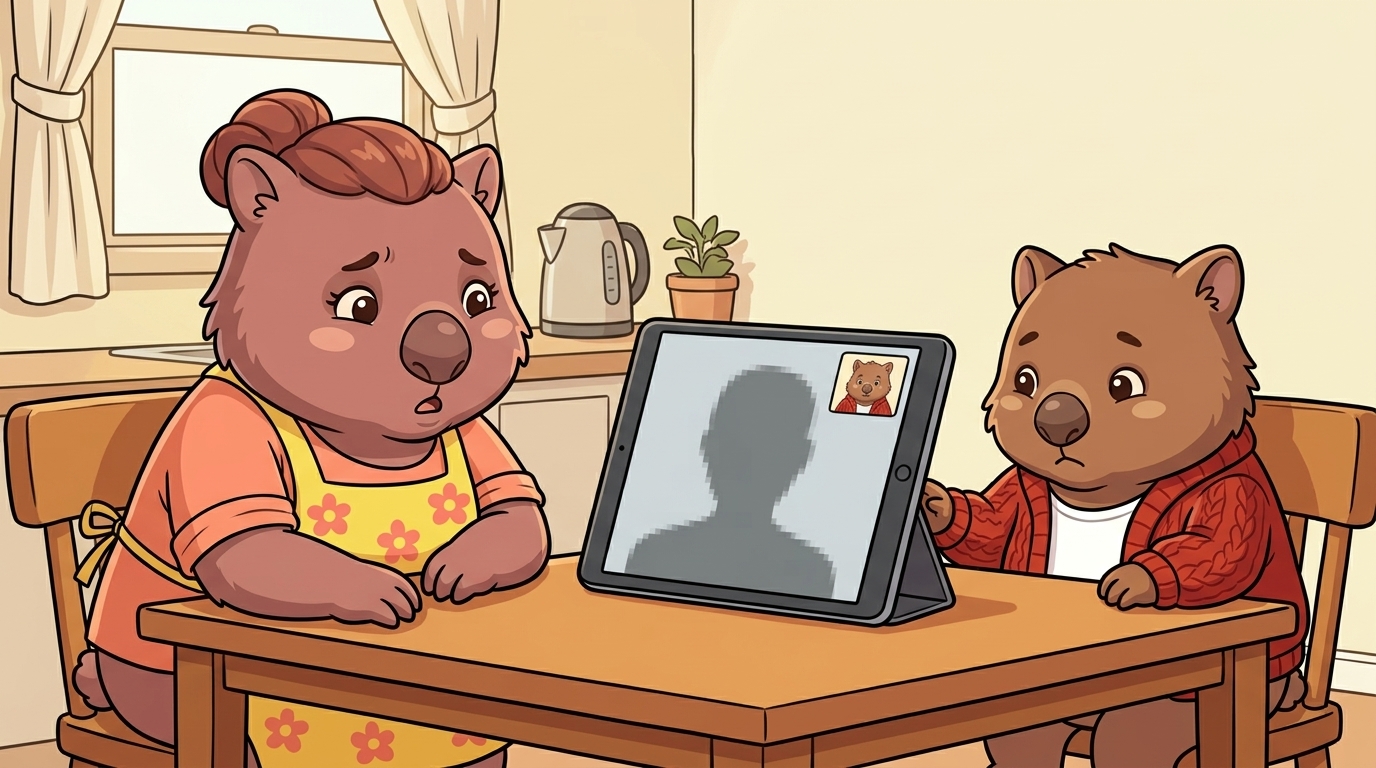
OmeTV is a random video chat app. You open it, press a button, and you’re instantly connected — live video — to a complete stranger somewhere in the world. You don’t know who they are. They don’t know who you are. When you want to move on, you press “next” and the app connects you to someone else. That’s the whole thing.
Many versions require no account to start chatting. No sign-up, no age verification, no parent approval. A child can be talking to strangers within 30 seconds of installing the app.
Kids use it for the same reason a previous generation used Omegle: novelty, boredom, and peer pressure. “Try this weird app” spreads fast through school groups. The appeal is the unpredictability — you have no idea who you’re about to see. For a lot of kids, that’s the draw.
The “next” button culture is central. Don’t like who you see? Skip. The design is built around rapid-fire randomness. It feels like a game.
OmeTV is not alone in this category. These apps all work on the same principle:
- Monkey — hugely popular with teenagers, marketed as “for teens” but with minimal real safeguards
- Emerald Chat — similar format, slightly older user base
- Chatroulette — the original, still active
- Camsurf — same concept, different branding
- Omegle — now shut down, but still remembered as the one that popularised this format
Different apps. Essentially the same product.
What your kid likely saw on OmeTV
This section is direct because you need to know. The risks on these apps are not theoretical.
The overwhelming majority of users on OmeTV at any given moment are adult men. The users seeking out random strangers for video chat skew heavily male and heavily adult. When a child — especially a girl — enters this space, they are not entering a peer community. They are entering an adult environment that has no idea they’re a child.
Common things kids encounter:
Adults asking personal questions
Where do you go to school? How old are you? Where are you from? What suburb? These questions can seem harmless in isolation. They are not always harmless.
Sexual content
Adults exposing themselves on camera is extremely common on these platforms. It is not a rare edge case — it is a well-documented pattern that has existed since Omegle’s early days and continues on every successor app. If your child used OmeTV for more than a few minutes, there is a real chance they were exposed to this.
Requests to move to another platform
“What’s your Snapchat?” or “Add me on Instagram” or “Send me your Discord”. This is the key warning sign of grooming behaviour. A stranger who moves a child off the anonymous platform and onto a named one now has a way to continue contact, build a relationship, and make requests over time.
Adults pretending to be teenagers
Some users actively misrepresent their age. A “16-year-old” your child felt comfortable chatting with may not have been 16.
The pattern of online grooming typically starts with rapport-building — appearing friendly, relatable, interested in the child’s life — before escalating to requests for images, personal details, or eventually to meet in person. Research from the Australian Institute of Criminology has found that offenders often target children precisely in the spaces with the least oversight.
Sextortion
In some cases, offenders record the video session without the child’s knowledge. They then use the footage as leverage — “send me photos or I’ll send this video to your school”. This is a recognised crime pattern and it is more common than most parents realise. If your child mentions anyone making a threat like this, go straight to the ACCCE (link below).
This is not a bug in these apps. It is what happens when you design a platform with no age verification, no moderation at scale, and no friction between strangers. The Australian eSafety Commissioner has highlighted random video chat apps repeatedly as a category of concern, particularly for children under 15.
Why these apps keep coming back after Omegle shut down
Omegle — the app that established this whole category — shut down in November 2023. Its founder cited the legal and emotional burden of fighting child-safety lawsuits. At the time of closure, Omegle was facing a lawsuit from a woman who alleged she was groomed on the platform as an 11-year-old.
Within weeks, OmeTV, Monkey, and similar apps saw traffic spikes.
There is no central authority that can shut down a category of app. When one closes, the users and the format move elsewhere. App stores have removed some versions following public pressure, but the web versions persist — accessible from any browser on any device. A child blocked from the App Store version can often find the site through Google in under a minute.
Kids learn about these apps through word of mouth and through social media challenges. TikTok and YouTube have both hosted “OmeTV reaction” videos and “try this app” content that drives new users to the platform. The challenge format makes using the app feel like content creation rather than risk-taking. This packaging normalises the experience and makes it feel like participation in a trend rather than contact with strangers.
This is why blocking one app is not enough. The underlying appeal travels with the child.
What to do right now (tonight)
If you found OmeTV on your child’s device tonight, here is a practical sequence.
Step 1: Don't lead with shame
Your child most likely found the app through curiosity or a dare, not because they were seeking anything dangerous. Shame closes the conversation before it opens. You need them to tell you what happened.
Step 2: Have a calm conversation first
Before you remove anything, sit down and ask: "Tell me about this app — what did you think of it?" Let them describe the experience. What you hear tells you a lot about what happened and what you need to address.
Step 3: Remove the app and block the website
After the conversation, remove OmeTV from the device. Don't just delete the icon — uninstall it. Then add the domain to your content restrictions (parental-controls section below).
Step 4: Check for related apps
While you're reviewing the device, look for Monkey, Emerald Chat, Chatroulette, Camsurf, or Omegle. Kids who found one often know about the others.
Step 5: Check if they shared their Snapchat or Instagram
If your child was asked to move to another platform and shared their handle, check those accounts now. Look for new followers or messages from accounts they don't know in real life. If you find any, screenshot everything before blocking.
Step 6: If anything sexual was shown to them, this is reportable
Exposing a minor to sexual content is a criminal matter in Australia. You don't need a screenshot. You don't need to be certain who the person was. A description of what happened is enough to report.
Reporting if something happened
If your child was exposed to sexual content, received requests for images, or had contact that concerned you, these are the right places to report:
eSafety Commissioner
esafety.gov.au/report — Australia’s online safety regulator. Reports here can lead to content removal and referral to law enforcement. Use this for sexual content shown to a minor.
Australian Centre to Counter Child Exploitation (ACCCE)
accce.gov.au/report — AFP unit that handles online child sexual exploitation. If a stranger solicited images or tried to arrange a meeting, report here.
Kids Helpline
1800 55 1800— free, 24/7. Your child can call this themselves, which matters. If they’re not ready to talk to you about what happened, Kids Helpline is a safe first call.
ReportCyber
cyber.gov.au/report — for cybercrime reports. Use this if there was any financial element or blackmail involved.
You don’t need evidence to report. A description of what occurred and the approximate time is enough to start the process.
The harder conversation — why kids seek these apps out
Once the immediate situation is handled, the more useful conversation is about why the app was interesting in the first place. Curiosity about strangers is developmentally normal. Teenagers are wired to seek novelty, test limits, and explore identity outside the family context. Random video chat apps exploit that curiosity with no safeguards at all.
The conversation to have is not “that was dangerous and you shouldn’t have done it”. Closes things down. The more useful framing: “What made it interesting? What were you hoping to find?”
Common answers from kids include:
- “My friends dared me to try it”
- “I was bored”
- “I wanted to talk to someone outside my school”
- “I thought it would be funny”
None of these motivations are concerning on their own. What’s concerning is the environment they led to.
From there, you can redirect. Language exchange apps like Tandem or HelloTalk connect kids with people their age from other countries with a genuine purpose. Moderated gaming communities — Discord servers for specific games, with friends they already know — offer novelty and social connection in a less anonymous environment. Pen pal programs. Online clubs around shared interests.
It also helps to talk about what “safe stranger contact” looks like, because the concept of talking to strangers online is not going away. The useful skill is knowing the difference between an anonymous adult on a video roulette app and a moderated community where accounts are verified and rules are enforced. Teaching that distinction is more durable than any parental control.
The goal is not to remove the desire for connection and novelty. It’s to channel it somewhere with actual safeguards — and to build the instinct to recognise when a situation has crossed a line.
Parental controls that can block these apps (Australia)
No parental control is foolproof. But layering a few of these makes access significantly harder.
iOS Screen Time
Settings → Screen Time → Content & Privacy Restrictions → Content Restrictions → Web Content → Limit Adult Websites.
Under “Never Allow”, add:
- ometv.app
- ome.tv
- monkey.cool
- emeraldchat.com
- chatroulette.com
- camsurf.com
Also set “Allowed Apps” to prevent App Store downloads of apps you haven’t approved. Require a Screen Time passcode only you know.
Android — Google Family Link
Family Link lets you approve or block individual apps and restrict web content. Set it up via the Family Link app and link your child’s Google account. You can block sites and require your approval for new app downloads.
Router-level blocking
If your home router supports parental controls — Eero, Netgear Orbi, most modern routers — you can block domains at the network level. Restriction applies to any device on your home Wi-Fi.
Domains to block at router level (same list, plus the deprecated-but-indexed):
- ometv.app · ome.tv
- monkey.cool
- emeraldchat.com
- chatroulette.com
- camsurf.com
- omegle.com (still indexed despite shutdown)
Important limitation: web-based versions of these apps can change domains. A new version under a different URL can appear. Blocking the App Store download path (requiring your approval for any new app) is more reliable than domain blocking alone, because it creates friction at the source.
The combination of App Store approval requirements and router-level domain blocking covers most vectors.