
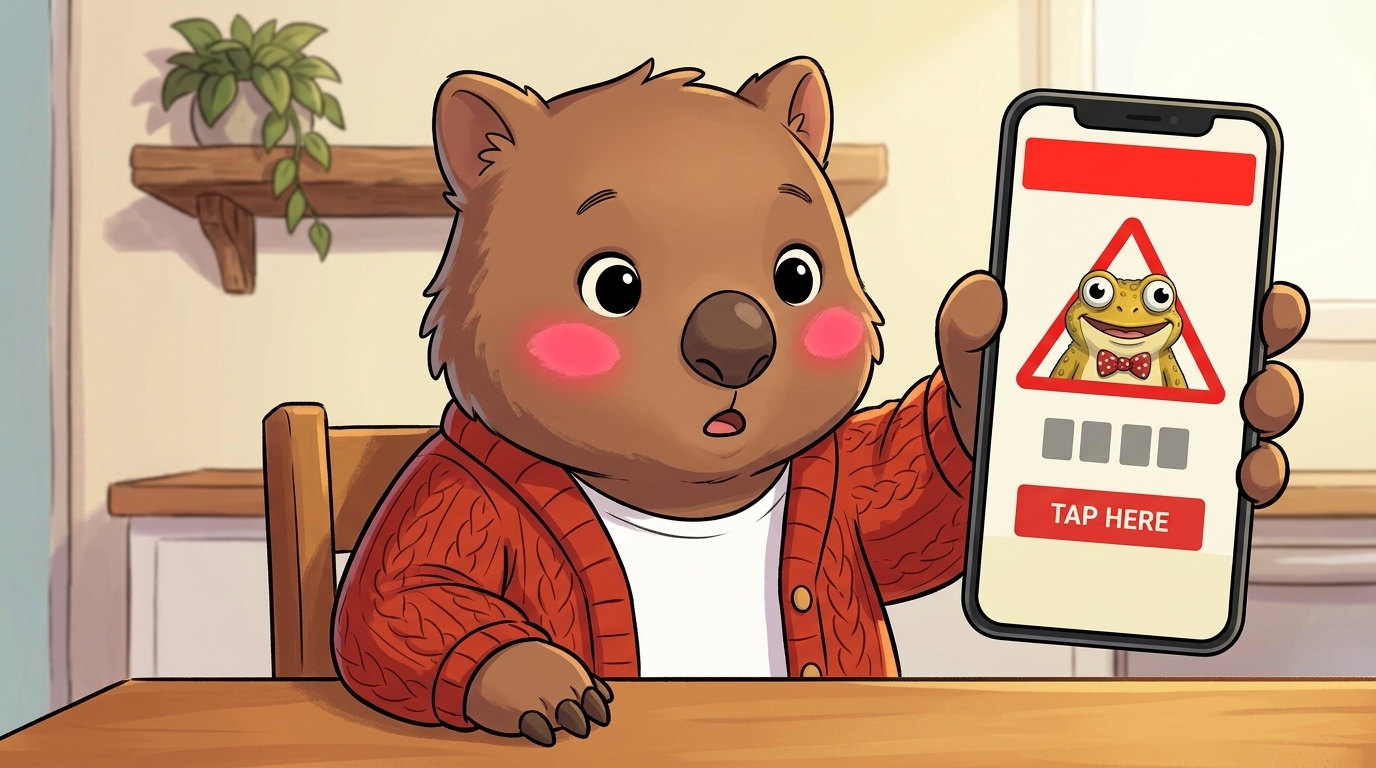
Why parents underestimate this one
When parents think “cyber-safety for under-8s” they think predators and age-inappropriate content. Both are real. Both are also rare. The thing your child sees almost every week is a commercial scam pop-up — and it’s designed by people who know exactly what a six-year-old’s reading speed is.
Scamwatch consistently ranks phishing among the most-reported scam categories Australians experience (Scamwatch statistics). For the record, Apple itself confirms iPads do not display virus warnings from web pages — see Apple’s threat-notification page and Norton’s fake-virus-alert guide for the corporate-side take. The pop-up your kid sees in a free puzzle game is the kid-flavoured wrapper around the same scam your aunty got by SMS last week.
Pre-readers can’t parse the URL bar. They can’t tell the difference between a real iOS prompt and a screenshot of one. So the rule we teach them isn’t “read carefully” — it’s a body-rule: surprise = close + tell.
The four kinds of pop-up under-8s actually see
Almost every screen-scam your child encounters is one of these four. Show them once, name it, and they have the shape forever.
The fake virus warning
Looks like:"Your iPad has 5 viruses! Tap here to clean now." Loud red banner, fake countdown timer, often a system-y icon stolen from real Apple/Android UI.
Truth:iPads and Android tablets do not pop up virus warnings from a website. Ever. Real device alerts come from the OS settings — not from inside a game or browser tab.
Teach the kid:If a warning appears WHILE they're playing or watching — it's a Crook. The real device only warns you in Settings.
The fake prize / spinner
Looks like:"Congratulations! You're the 1,000,000th visitor! Spin to win Robux / V-Bucks / a phone." Bright wheel, glowing arrow, fake confetti.
Truth:Free things don't get given away by random pop-ups. Anything that asks for an account login or phone number to "claim" is harvesting it.
Teach the kid:We never give a phone, an email, or a password to a screen that surprised us. If it surprised us, it's a Crook.
The "call this number" tech-support
Looks like:"Microsoft / Apple support: your device is locked. Call 1800-XXX-XXX immediately." Sometimes a robot voice plays.
Truth:Apple and Microsoft do NOT cold-call you, ever. The phone number on the screen leads to a scammer who will ask for remote access or gift-card payment.
Teach the kid:We never ring a number a website gave us. If we need help, we ring the number on a real bill, or we tell a grown-up.
The trick ad inside a free game
Looks like:Looks like part of the game — "Tap here to keep playing!" — but tapping launches the App Store, a download, or a chat app. Common in free puzzle/match-3/painting apps marketed to under-8s.
Truth:Trick ads are designed to look like the close-X button, the game's own "continue", or a level reward. The same tap that gets through to the next round also gets through to the scam.
Teach the kid:If the game does something we didn't expect — leaves the game, opens a different screen, asks for a download — close the iPad and tell.
Tonight: 4 settings to lock (10 minutes)
Each of these takes 2–3 minutes and removes most of the volume of pop-ups your child sees. Worth doing this evening, before tomorrow’s after-school iPad session.
- Tonight 1
Turn on a content blocker for Safari / Chrome
iOS: Settings → Safari → Extensions → install AdGuard or 1Blocker (free tiers fine). Android Chrome: Settings → Site settings → Pop-ups and redirects → Block. Cuts the volume of ad-served scams by 70%+ for the kid's actual usage.
- Tonight 2
Switch the kid's profile to Kids mode / Kids Space
iPad: enable Screen Time → Content & Privacy Restrictions. Android: install Google Kids Space (free). Both restrict ads, store-installs, and adult-rated browsers. Most under-8s never need adult-mode anyway.
- Tonight 3
Move charging out of the bedroom
All devices charge in the kitchen / hallway overnight. Kids hit the most scam pop-ups when alone in bed at 9pm. Removing the lonely-late-night exposure removes most of the problem.
- Tonight 4
Practise "close it, tell" once tonight
Show them the home button / gesture. Say: "If a screen surprises you, push HERE first, then come find me." One demo at the kitchen table beats ten lectures the day a real one appears.
The two-second “close it, tell” reflex
The whole goal — the entire under-8 cyber syllabus, really — comes down to this one physical reflex. Train it tonight; reinforce it whenever a real pop-up appears.
- Hands off the screen.Don’t tap anything inside the pop-up. Not the close-X, not “no thanks”, not the “cancel” button — if it appeared because of something you didn’t do, the whole pop-up is the trap, including its escape hatches.
- Press the home button (older iPads) or swipe up from the bottom (newer iPads / Android). This closes the WHOLE app, which closes the pop-up safely.
- Find a grown-up.Tell them what happened. Not because they need to fix it — they don’t — but because the telling is the practice for when something actually goes wrong.
Practise it on a real-looking pop-up screenshot from Scamwatch — pull one up on your phone, hand the iPad to the kid, ask “what would you do?”. The first time it’s rehearsed, the real one feels familiar.
What to say when it actually happens
The first thing out of your mouth shapes whether they tell you the next time too. Three lines, in order:
"You did exactly the right thing telling me."
Why:Praise the telling first, before anything else. The kid is scanning your face for whether telling was a good move.
"That wasn't a real virus. The screen lied to scare you."
Why:Names the scammer. Removes the kid's worry that they broke the iPad. Gives them the cause-of-event.
"Let's close it together. Watch what I do."
Why:Models the fix. The kid learns the action by seeing it once. Your face stays calm — that's what they remember most.
What to avoid (please)
Four parent reflexes that feel right and turn into a kid not telling you next time:
| Avoid | Do this instead |
|---|---|
| Asking "how did you get a virus?!" | "You didn't get a virus. The screen lied to scare you. You did the right thing telling me." Removes shame, names the scammer. |
| Tapping the close-X on the pop-up yourself | Press home (or swipe up) to close the whole app instead. Pop-up close-X buttons are often the trap — even your tap can launch a download. |
| Confiscating the iPad on the spot | Sit together, close the app, talk through what they saw. Punishing the disclosure trains the kid not to tell next time. |
| Re-enabling the same free ad-funded game | If a specific app keeps serving scam ads, uninstall it. There are 5,000 puzzle/colour apps on the store. The one that just ambushed your kid does not deserve a second chance. |
Avoid
Asking "how did you get a virus?!"
Do this instead
"You didn't get a virus. The screen lied to scare you. You did the right thing telling me." Removes shame, names the scammer.
Avoid
Tapping the close-X on the pop-up yourself
Do this instead
Press home (or swipe up) to close the whole app instead. Pop-up close-X buttons are often the trap — even your tap can launch a download.
Avoid
Confiscating the iPad on the spot
Do this instead
Sit together, close the app, talk through what they saw. Punishing the disclosure trains the kid not to tell next time.
Avoid
Re-enabling the same free ad-funded game
Do this instead
If a specific app keeps serving scam ads, uninstall it. There are 5,000 puzzle/colour apps on the store. The one that just ambushed your kid does not deserve a second chance.
Reporting + getting help (Australia)
If you tapped, downloaded something, or paid: don’t panic, but do report. Reporting helps take the scam infrastructure down for the next family.
Scamwatch (ACCC)
Report any pop-up scam, fake-tech-support call, or download. Adds it to the national list, helps the takedowns.
ReportCyber (ASD)
Use if you actually paid, lost data, or had account takeover. Routes to the relevant police jurisdiction.
eSafety Commissioner
Parent guides, age-appropriate scenarios, image-based-harm escalation paths. Bookmark the parents section.
If a kid was distressed by what they saw: Kids Helpline 1800 55 1800 (24/7). In immediate danger: 000.